
Startup & wind-down routines
Start the day with exercise, gratitude and a journal entry, and end it with a short reflection, all saved to the day
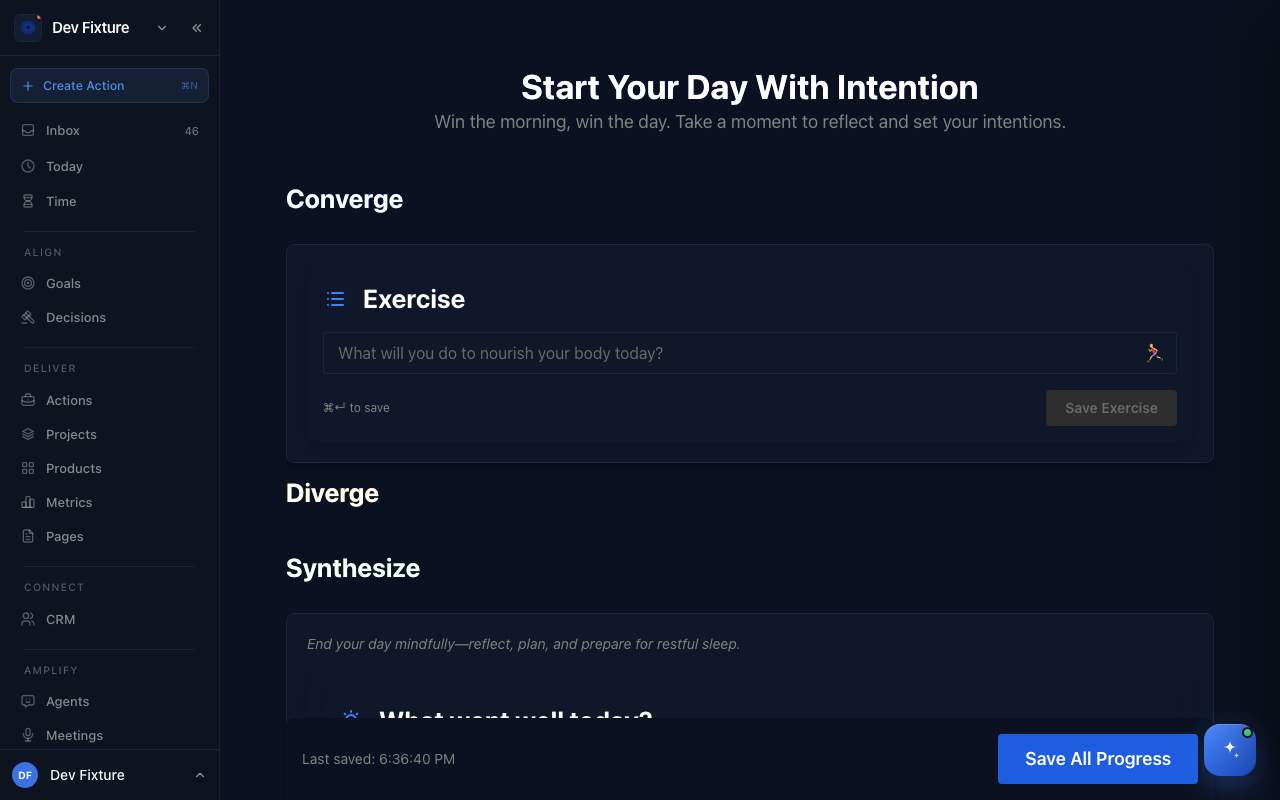
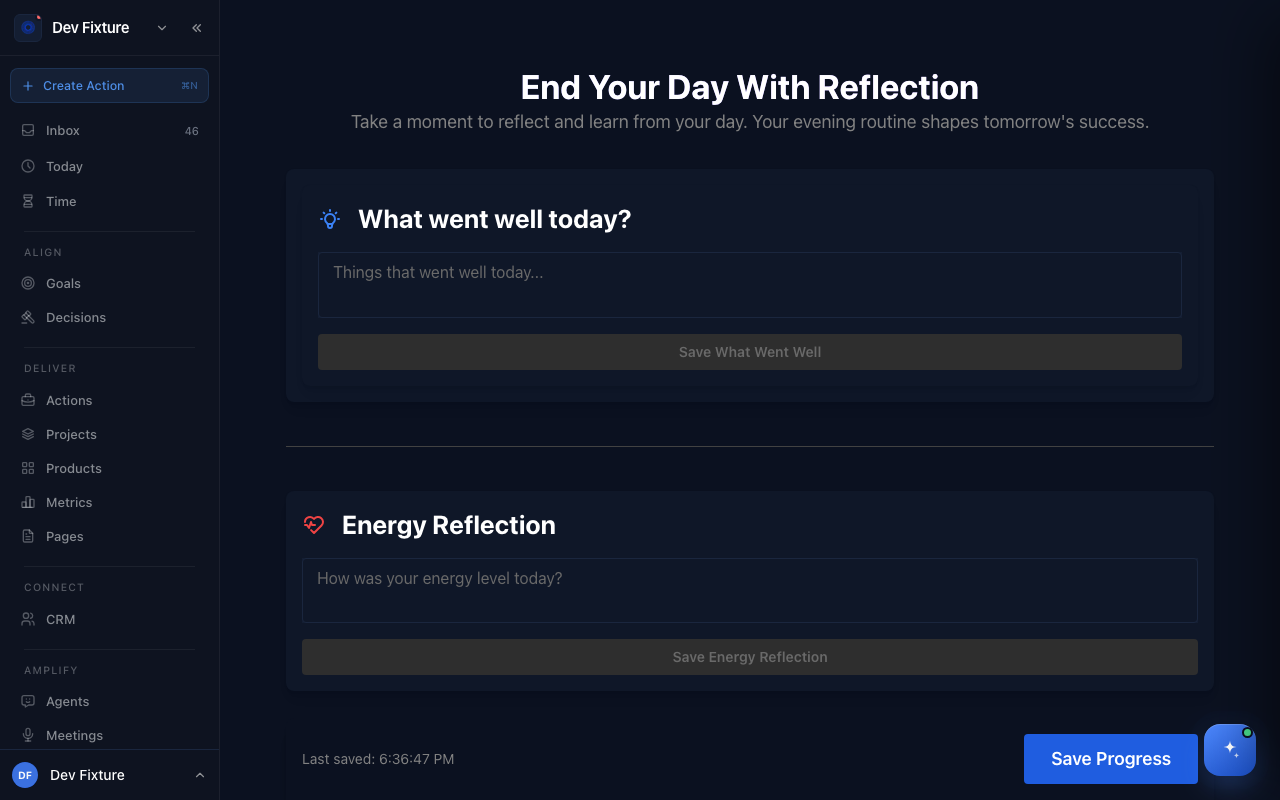
Two guided pages bookend the day. The Startup routine (Start Your Day With Intention) collects what you will do for your body, what you are grateful for and a journal entry. The Wind-down routine (End Your Day With Reflection) asks what went well, how your energy was, what you learned and how you handled challenges. Everything you save lands on today's record under Days.
Where to find it
Open /startup-routine and /wind-down. Neither page is in the sidebar or the user menu, so bookmark them. Opening today's day from Days in the user menu shows the same startup routine.
How to run the startup routine
The page has three sections. Each field has its own save button, and Save All Progress at the bottom saves everything at once.
- Converge — under Exercise, write what you will do to nourish your body today and click Save Exercise (or press ⌘↵).
- Diverge — under Gratitude, write what you are grateful for and click Save Gratitude. Under Journal, write a free-form entry and click Save Journal. The editor is the same one as the Journal page, with the same formatting toolbar.
- Synthesize — the wind-down sections, embedded so you can fill them in from the same page in the evening.
- Click Save All Progress. Last saved updates when the save completes.
Optional Converge sections
Click the gear icon below the sections to show more prompts in Converge: Show Mindset Section, Show Consider Section, Show Not-to-Do List and Show Important Questions. Mindset, Consider and Important Questions are fixed checklists you tick as you go. The Not-to-Do List takes your own items: type one, click Add, and tick it later when you avoided it. These toggles are not remembered between visits.
How to run the wind-down routine
- Open /wind-down.
- What went well today? — write, then click Save What Went Well.
- Energy Reflection — answer "How was your energy level today?" and click Save Energy Reflection.
- Learning and Growth — answer "What did I learn today?" and click Save Learning & Growth.
- Reflection on Challenges — four prompts, each with its own button: how you handled challenges (Save Challenges Reflection), where you fell from grace (Save Mistakes), what caused it (Save Causes) and what you will do next time (Save Solutions).
- Daily Habits — tick Did you meditate today? and Did you log your food today?, then click Save Progress.
How it connects
- Journal — the Journal page is the standalone editor; Days lists every day you saved a routine on.
- Habits — for habits you want to track with streaks, rather than the two fixed checkboxes at the end of the wind-down.
- Weekly plan — a week of routine entries is the raw material for the weekly review.
FAQ
Where do my entries go? To today's record on your account, so they follow you between devices. The exception is the two Daily Habits checkboxes at the end of the wind-down, which are kept in this browser only.
Can I fill in a routine for a past day? Not yet. Both pages always write to today.
Can I change the prompts? No. You can show or hide the optional Converge sections, but the questions themselves are fixed.
Why does "Creating day record…" show at the bottom? The first time you open the startup routine on a given day, Exponential creates that day's record. Saving is enabled once it exists.