
Pipeline, forms & broadcasts
Track deals on a kanban pipeline, collect contacts and deals through public forms, and send a daily email digest to a list
Three CRM tools that sit beside contacts, lists and automations: the Pipeline tracks deals through stages you define, Forms are public pages whose submissions create contacts, deals or product insights, and Broadcasts are scheduled emails to a list. All three live in the CRM's own menu and need the CRM plugin, which is on by default.
Where to find it
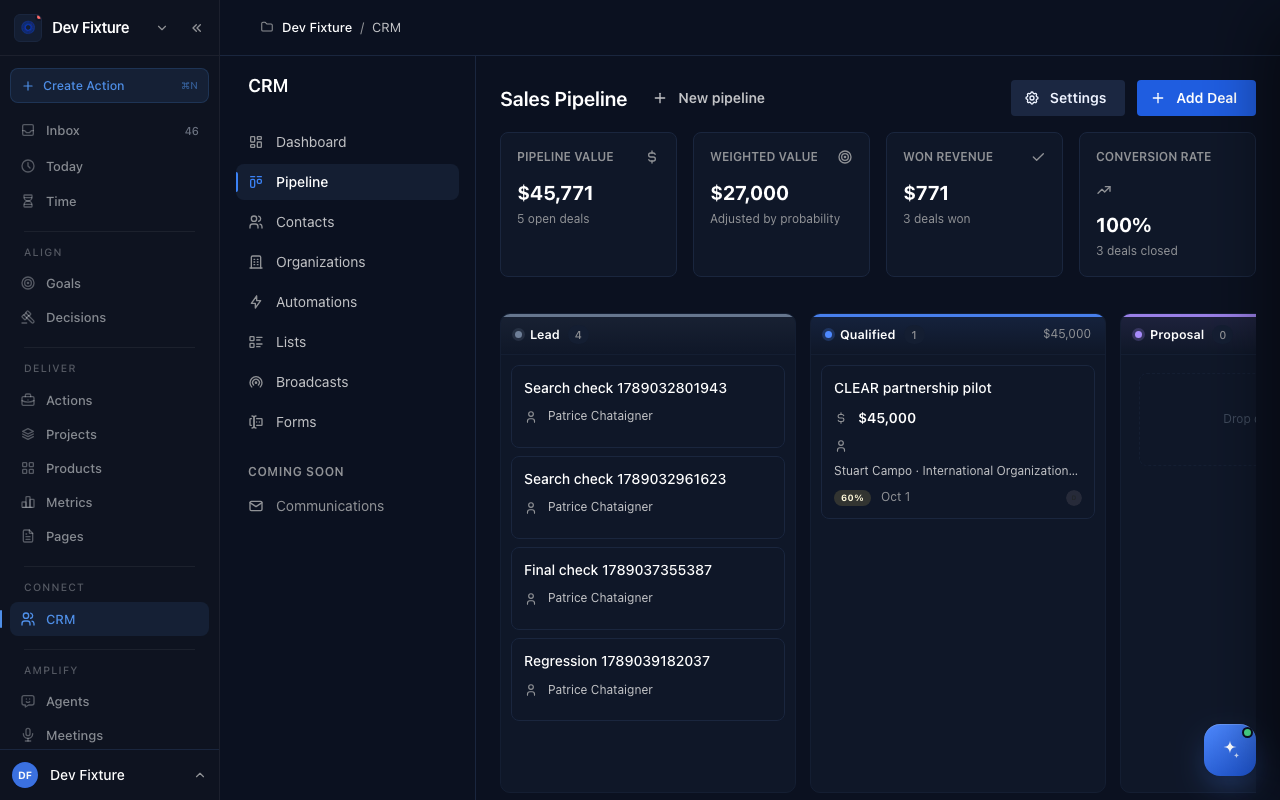
Connect → CRM in the sidebar, then Pipeline, Forms or Broadcasts in the CRM menu (Dashboard · Pipeline · Contacts · Organizations · Automations · Lists · Broadcasts · Forms).
How to work the pipeline
The pipeline is a kanban of deals. The header shows Pipeline Value (open deals), Weighted Value (adjusted by each deal's probability), Won Revenue and Conversion Rate. A new pipeline starts with the stages Lead → Qualified → Proposal → Negotiation → Won → Lost.
- Click Add Deal: Title, Value, Probability (win %), Expected Close Date, Pipeline, Stage, the Contact and Organization it belongs to, and an optional Description.
- Drag a deal between columns to move it through the stages; Won and Lost close it.
- New pipeline creates another pipeline (for example "Hiring"), each with its own stages; switch between them with the pipeline selector. Settings opens Pipeline Settings for the current pipeline, where you Add stages and manage the existing ones.
How to collect contacts and deals with a form
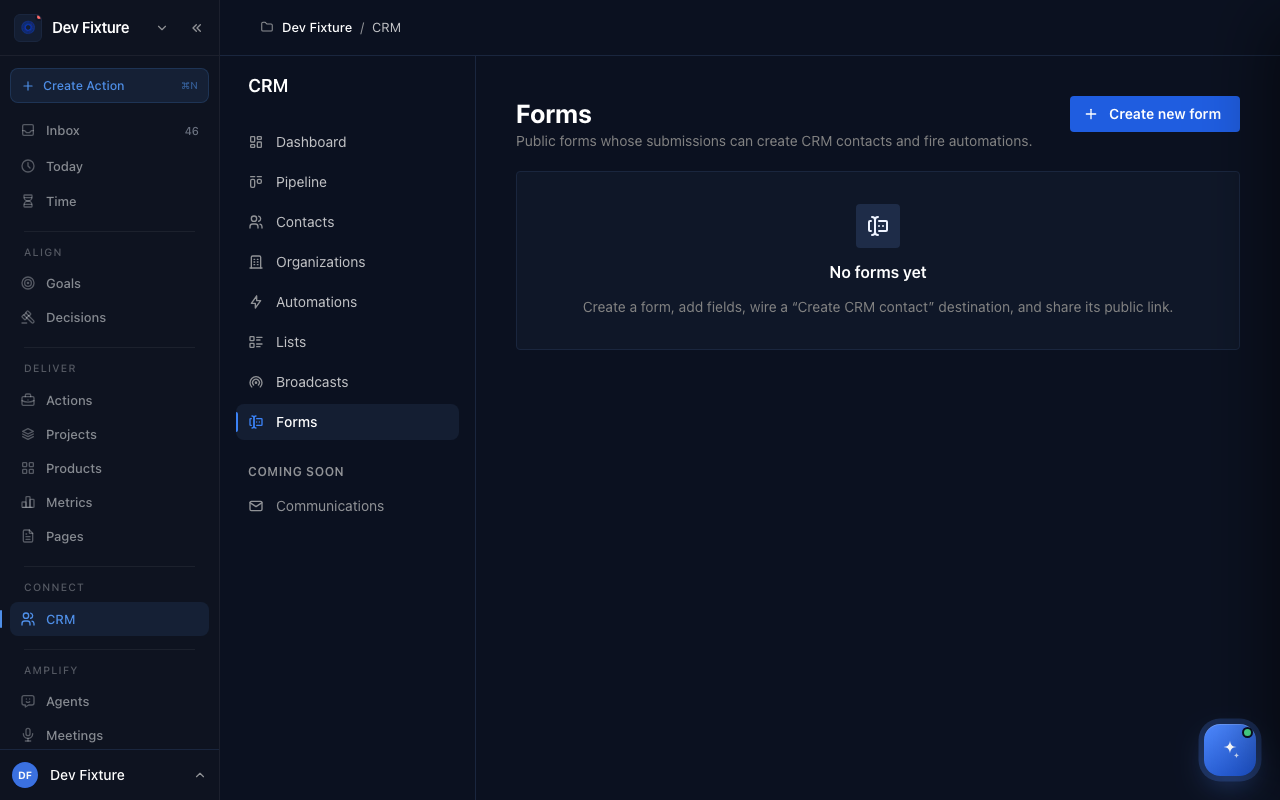
- Click Create new form, name it and click Create.
- Add Fields: text, long text, email, first and last name, company, URL, dropdown, checkbox, multi-checkbox. Each has a Label, a Key, an optional Placeholder and a Required switch; reorder them with the arrows.
- Choose what happens When submitted:
- Create CRM contact — map form fields to the contact and set its Customer type, which can fire an automation.
- Add to pipeline (create deal) — pick the Pipeline and Stage and a Deal title template with
{fieldKey}tokens. - Create product insight — pick the Product and the Insight type (pain point, opportunity, feedback, persona, journey, observation, competitive) so submissions land on the product's insights surface.
- Set the Title, Description, Submit button label, Confirmation message and Footnote the visitor sees, and optionally Offer an Exponential account after submit with an Account prompt.
- Switch the form to Active, then share its public link, rename the link's slug, or Share via QR code.
How to send a broadcast
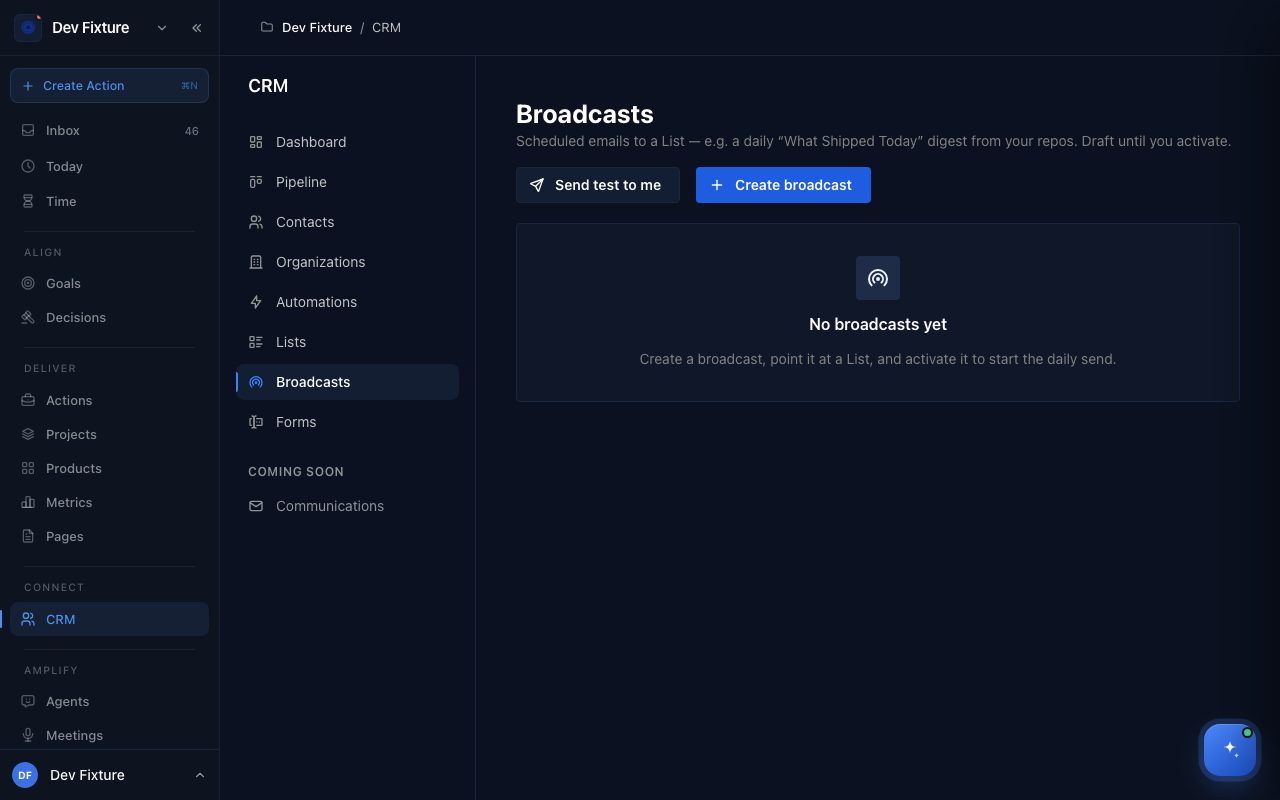
A broadcast is a scheduled daily email to a list, for example a "What shipped today" digest from your repositories.
- Click Create broadcast: Name, Email subject, Send to list and the Daily send hour (UTC). It is created as a draft.
- Send test to me delivers one copy to your own address.
- Open it (Edit in its actions menu) and switch it to active to start the daily send; switch it off to pause, or Delete it. Every email carries an unsubscribe link, and a contact who uses it stops receiving that list's broadcasts.
How it connects
- Contacts and organisations — every deal and form submission points at a contact: Contacts.
- Lists and automations — broadcasts send to lists; form submissions can trigger automations: Lists, pipelines & automations.
- Products — the insight destination feeds a product's insights surface: Products.
- CLI —
exponential dealsmoves deals between stages from a terminal or an agent.
FAQ
Can an automation fire when a deal changes stage? Not yet. Automations trigger on a contact's customer type, and lists run them when a contact is added.
Can a form create both a contact and a deal? Yes: each destination is a separate switch on the form, and the deal is attached to the contact the same submission created.
Who receives a broadcast? The members of the list at send time, minus anyone who unsubscribed. Emails go out once a day at the hour you set, in UTC.