
Wheel of Life
Rank the ten areas of your life by current and desired priority, score your satisfaction, and see where the gaps are
The Wheel of Life is a short self-assessment across ten areas of your life. You rank the areas by how much attention they get now and how much you want them to get, optionally score your satisfaction with each, and the result shows where the gaps are. It is personal to your account and pairs with Goals when you decide what to change.
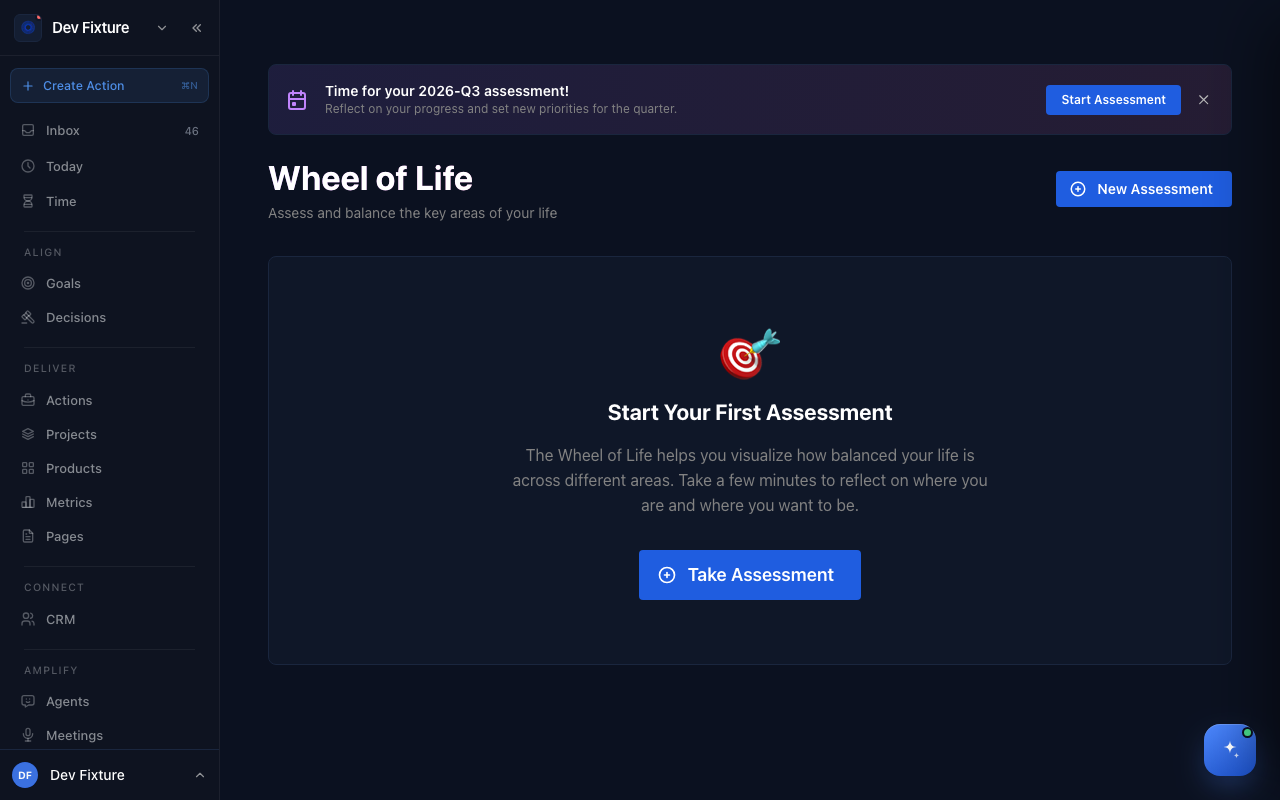
Where to find it
Open /wheel-of-life. It is not in any menu, so bookmark the address.
How to take an assessment
- Click New Assessment (or Take Assessment the first time).
- Under Choose Your Assessment Mode, pick Quick Assessment (about three minutes: current ranking, desired ranking, gap analysis) or Deep Assessment (adds a satisfaction score for each area).
- Current Priorities: drag the ten areas into the order they get your attention today, most first.
- Desired Priorities: drag them into the order you want.
- Deep mode only — Satisfaction: score each area from 1 to 10. The guide is 1–3 struggling, 4–5 needs work, 6–7 good, 8–10 thriving.
- Summary shows each area's current rank, desired rank, gap and score. Add any notes, then click Complete Assessment.
The ten areas are Career/Business, Finance/Wealth, Health/Fitness, Family/Relationships, Romance/Partnership, Personal Growth, Fun/Recreation, Physical Environment, Social/Friends and Spirituality/Purpose.
How to read your results
- Latest Assessment shows the mode, the date, and a New Assessment button.
- Priority Gap Analysis charts the gap between current and desired rank for every area. A positive gap means the area gets less attention than you want it to.
- Areas needing attention are listed with their gap, Current and Desired rank, and satisfaction score in deep mode.
- Your Notes repeats what you wrote on the summary step.
- Next Steps offers Talk to Coach, which opens a chat with an agent that has your assessment in front of it, and Compare Progress, which puts your previous and current gaps side by side.
- Assessment History lists earlier assessments; Compare with current opens the comparison for any of them.
How to keep it quarterly
When you have not assessed yet this quarter, a banner reads Time for your assessment! with the quarter's name. Click Start Assessment to take one tagged to the quarter, or close the banner to dismiss it. The Latest Assessment card shows the quarter tag on assessments started this way.
How it connects
- Goals — turn an area with a large gap into a goal with an owner and a period.
- Habits — a daily habit is the smallest change that moves a low-scoring area.
- Weekly plan — review the areas you decided to focus on when you plan the week.
FAQ
Who can see my assessments? Only you. Assessments belong to your account, not to a workspace, so nobody you share a workspace with can open them.
Where are the AI recommendations? Not yet. The AI Recommendations panel and its Create Goal buttons only appear once recommendations exist, and nothing in the app writes them today. Use Talk to Coach to discuss your results instead.
Can I edit an assessment after completing it? No. Take a new one; the old one stays in Assessment History for comparison.