
API tokens
Keys that let the iOS shortcut, the browser extension, the CLI, webhooks and your own scripts talk to your Exponential account
An API token lets something outside Exponential act as you: the iOS shortcut adding an action, Fireflies posting a transcript to a webhook, the CLI, or a script of your own. Tokens are created on one page, shown once, and can be revoked at any time.
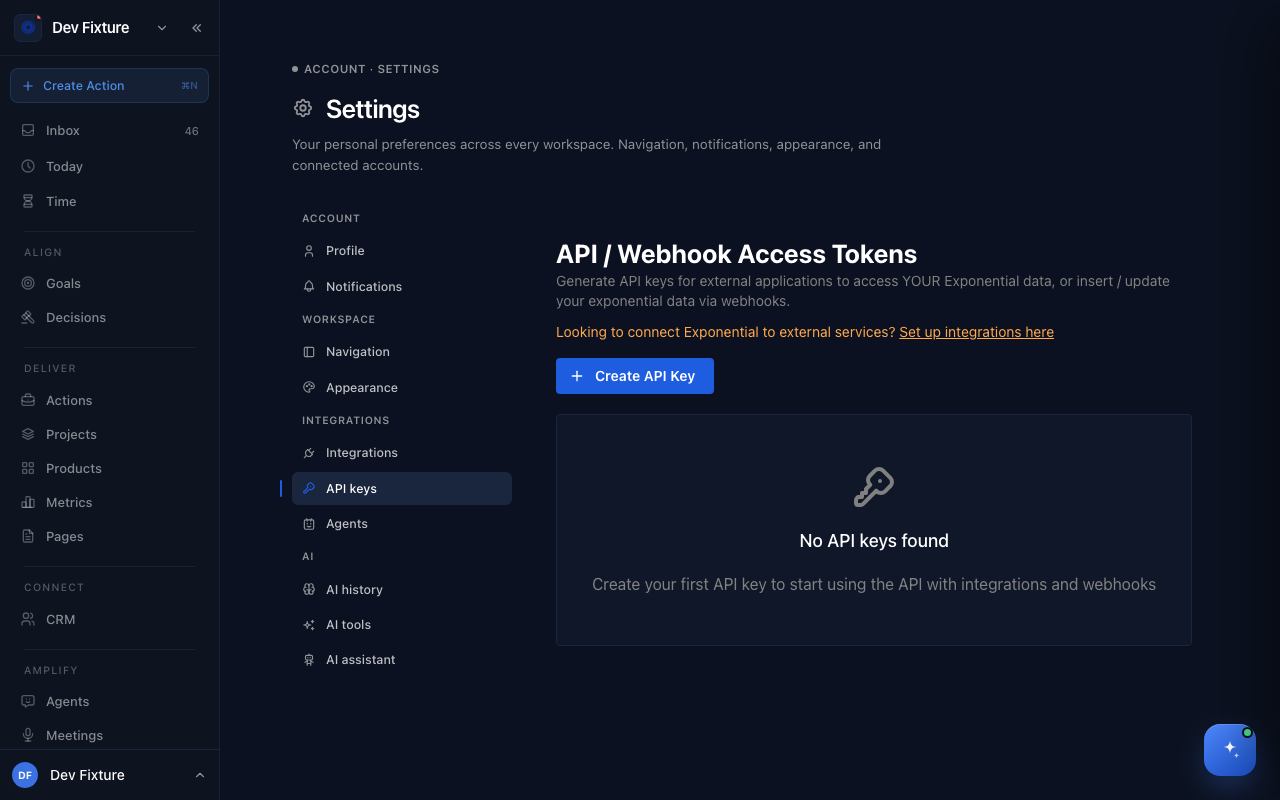
Where to find it
Settings → API keys (from your user menu → Settings, then API keys under Integrations).
Tokens belong to your account and work in every workspace you are a member of. External agents get their own keys on a different page: External agents.
How to create a token
- Open Settings → API keys and click Create API Key.
- Fill in:
- Name — what it is for ("Fireflies webhook", "Phone shortcut").
- Type — Hex Key for webhook secrets, JWT Token for anything that calls the API (shortcut, extension, CLI, scripts).
- Expires In — 1 hour, 24 hours, 7 days, 30 days or 90 days.
- Description — optional notes.
- Click Generate API Key and copy the value. It is not shown again.
How to use a token
| For | Token type | How |
|---|---|---|
| iOS shortcut | JWT | Paste it into the shortcut's configuration |
| Chrome extension | JWT | Paste it into the extension's settings |
exponential CLI | JWT | exponential auth login --token <token>; every command is in the CLI reference |
| Your own script | JWT | Send it as Authorization: Bearer <token> |
| Fireflies webhook | Hex | The Fireflies wizard creates this one for you |
How to revoke a token
Click the trash icon next to it. Revocation is immediate and permanent; anything using the token stops working until you create a new one and update it there.
How it connects
-
MCP server and SDK — give Claude tools over your workspace, or script it yourself; both sign in with a JWT token: MCP server & SDK.
-
Integrations — a token lets others reach your data; an integration stores their credentials so Exponential can reach them. Fireflies needs both.
-
External agents — an agent that should have its own identity rather than act as you belongs on External agents.
Tips
- One token per integration, named after it, so you can revoke one without breaking the rest.
- Pick the shortest expiry that fits. Expired tokens are the usual reason a card on Workflows says Setup Required.
FAQ
Can I see a token again later? No. Create a new one.
Can I extend a token? No. Create a new one with a longer expiry and swap it in.
How many can I have? No limit.
Is a token limited to one workspace? No. It carries your identity and reaches whatever you can reach.