
Exponential's Team Weekly Review
See what everyone's doing.
Team visibility without another status meeting. Members share their weekly plans, post async updates before the meeting, and the week's activity is summarised for everyone, in the app or in Slack.
Team Weekly Review
What you get with Team Weekly Review
- A Weekly Team Check-in of active projects, sent to Slack
- Members share their weekly plans with an organization team
- Async standup updates, drafted from each person's activity
- A blocked flag, and a list of who has answered
- A week in review with an AI summary and week-on-week counts
- A weekly update of what shipped, approved before it goes out
The weekly check-in
The Weekly Team Check-in page lists the workspace's active projects with their status, priority and actions, and sends the check-in to a Slack channel in one click. Each person can also share their own weekly check-in with an organization team. Shared plans appear on the team's Weekly Plans tab, and each member's row gets a View Weekly Plan button.
Standups that happen before the meeting
Define your standup as a ceremony and each date gets its own page. Participants post their update ahead of time (done, next, anything blocking), with Draft from my activity to fill it from the work they actually did and I'm blocked on something to flag it. Async summary shows who has answered, and the agenda's Blockers section collects the flags.
Some weeks that makes the meeting short. Some weeks it makes it unnecessary, and the occurrence can be skipped with a reason.
The week, summarised
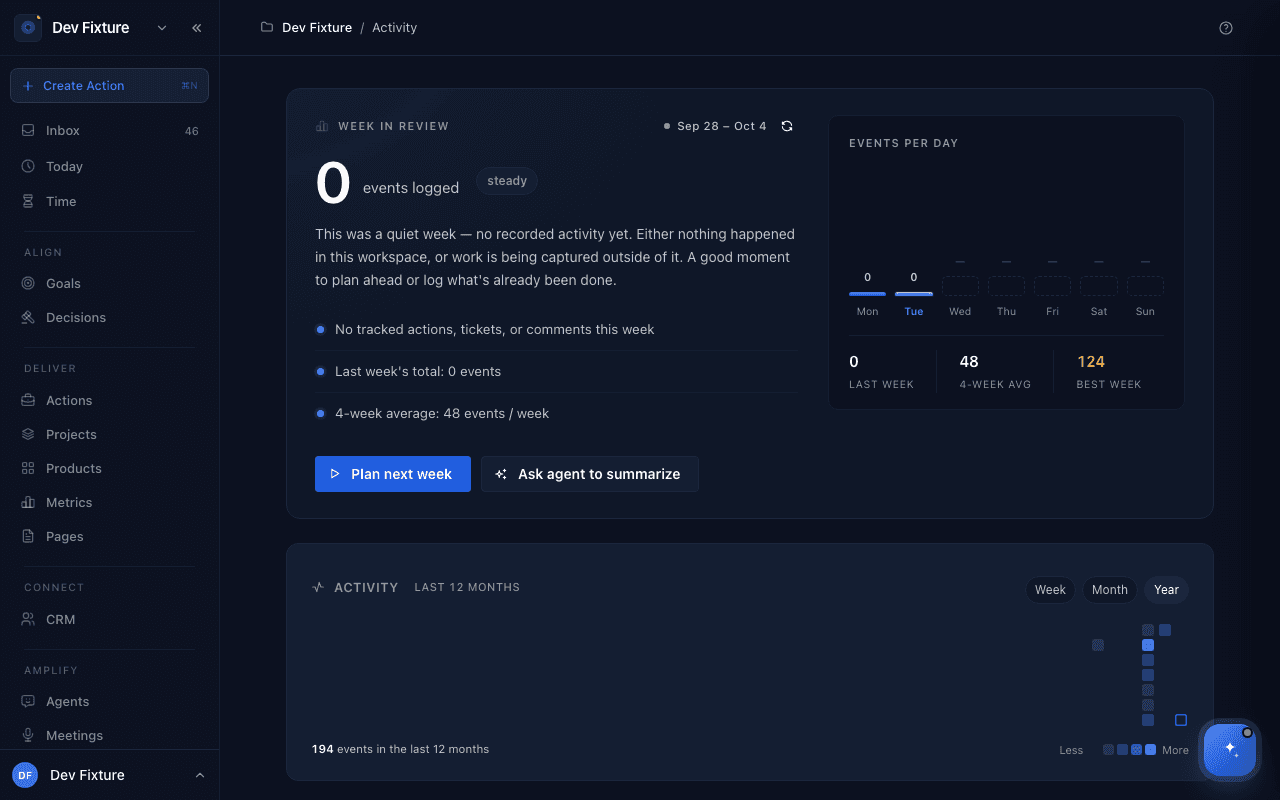
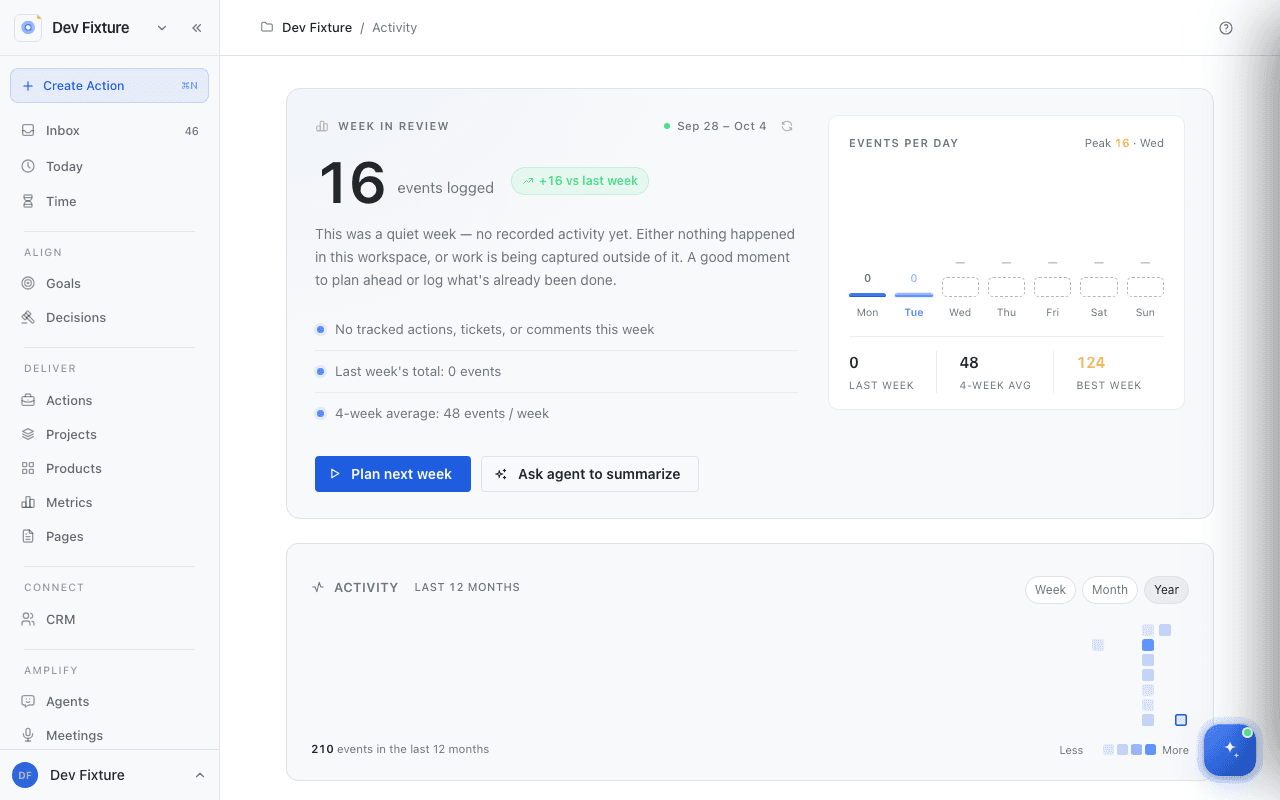
The Activity page opens with a week in review: a one-sentence summary, event counts against last week and the four-week average, and Plan next week. Regenerate narrative rewrites the summary, or ask an agent for a longer one.
For people outside the team, each week an AI copywriter drafts an update of what shipped, from features, finished tickets and on-track goals. Reviewers approve it before it goes to a public page, a newsletter list or Matrix.
Team Weekly Review FAQ
Does this replace our status meeting?
It can shrink it or skip it. Async updates and shared plans cover the status part, so the meeting, if you still hold it, is for the blockers.
Can we send the check-in to Slack?
Yes, from the Weekly Team Check-in page.
Who sees my weekly plan?
Only the organization teams you share it with, from Sharing Settings on the Weekly Team Check-in page.
Is the weekly summary written by AI?
The Activity page's narrative and the shipped-work update are drafted by AI. The update is sent only after a reviewer approves it.
Related
One place for your team, your agents and the work
Open source and free to start. Bring your team, connect an agent, and see what changed this week.
Get started free